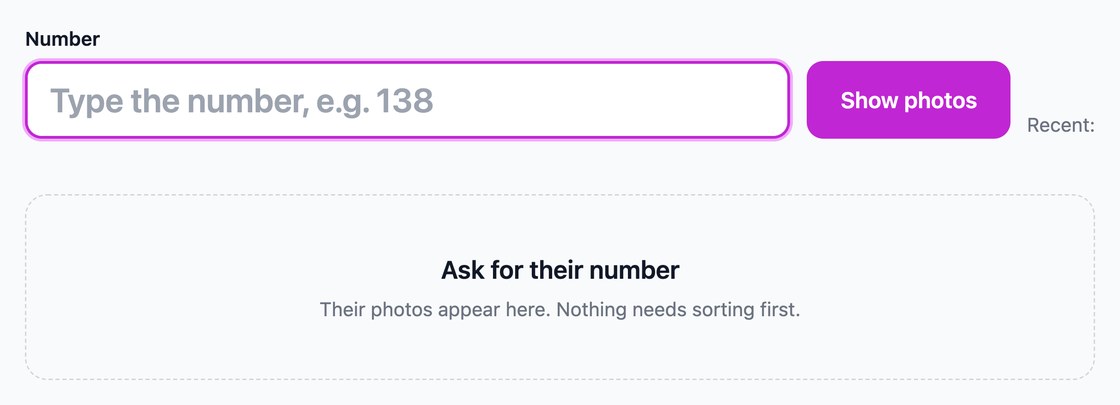
At a finish line or a stand, athletes come up and ask for their photos. Since 3 October 2026 an album has a page for exactly that moment.
Type a number, get the photos
Open an album and choose Find. Type the athlete's number, for example 138, and SnapFlow shows two groups:
- Sure: photos where that number was read, or where the athlete linked to that number was recognised.
- Likely: photos of people who appear together with that number often enough to be the same person.
Check them with the athlete
The athlete is standing next to you, so they can decide. Remove a wrong photo with the ✕ on it. When the rest is right, choose "These are all theirs".
Hand them over
"Download all" gives you the athlete's photos as one ZIP file.
Find needs number reading switched on for the album ("Read numbers" in the album settings). It is part of the plans that include number recognition.