SnapFlow blog
Practical photo workflows
Advice for event photographers, agencies and business teams.
Ideas for planning your work live here. For current buttons, settings and troubleshooting, use the documentation.
Field guides
Event workflow ·
Prepare a live event gallery before the guests arrive
A short rehearsal catches upload, access and download problems before your event.
Read article →
Working with a team ·
A clearer handoff between photographers and agencies
Agree who uploads, who approves and what the client should receive.
Read article →
Getting started ·
Get one gallery working before choosing a paid plan
Start with a small photo set, then choose capacity and features for your real work.
Read article →
Product updates
Product updates ·
Sign in with a passkey or authenticator app
Protect your SnapFlow account with your device or a six-digit code.
Read article →
Product updates ·
Design your album in the guest gallery preview
Choose a palette, edit your cover and feature highlights in the phone or desktop gallery preview.
Read article →
Product updates ·
Choose whether to receive product tips on iPhone
In iOS builds with Marketing notifications in Profile, choose whether SnapFlow can send product tips to your phone.
Read article →
Product updates ·
See your first photo in a guest gallery
Choose one JPEG or send a camera test shot straight from your dashboard. Preview the result before turning on your guest link.
Read article →
Product updates ·
Step-by-step camera setup for Canon, Nikon and Sony
New guides show where the FTP details of an album go in the menu of your camera, and the camera list now says which bodies can upload by themselves and which cannot.
Read article →
Product updates ·
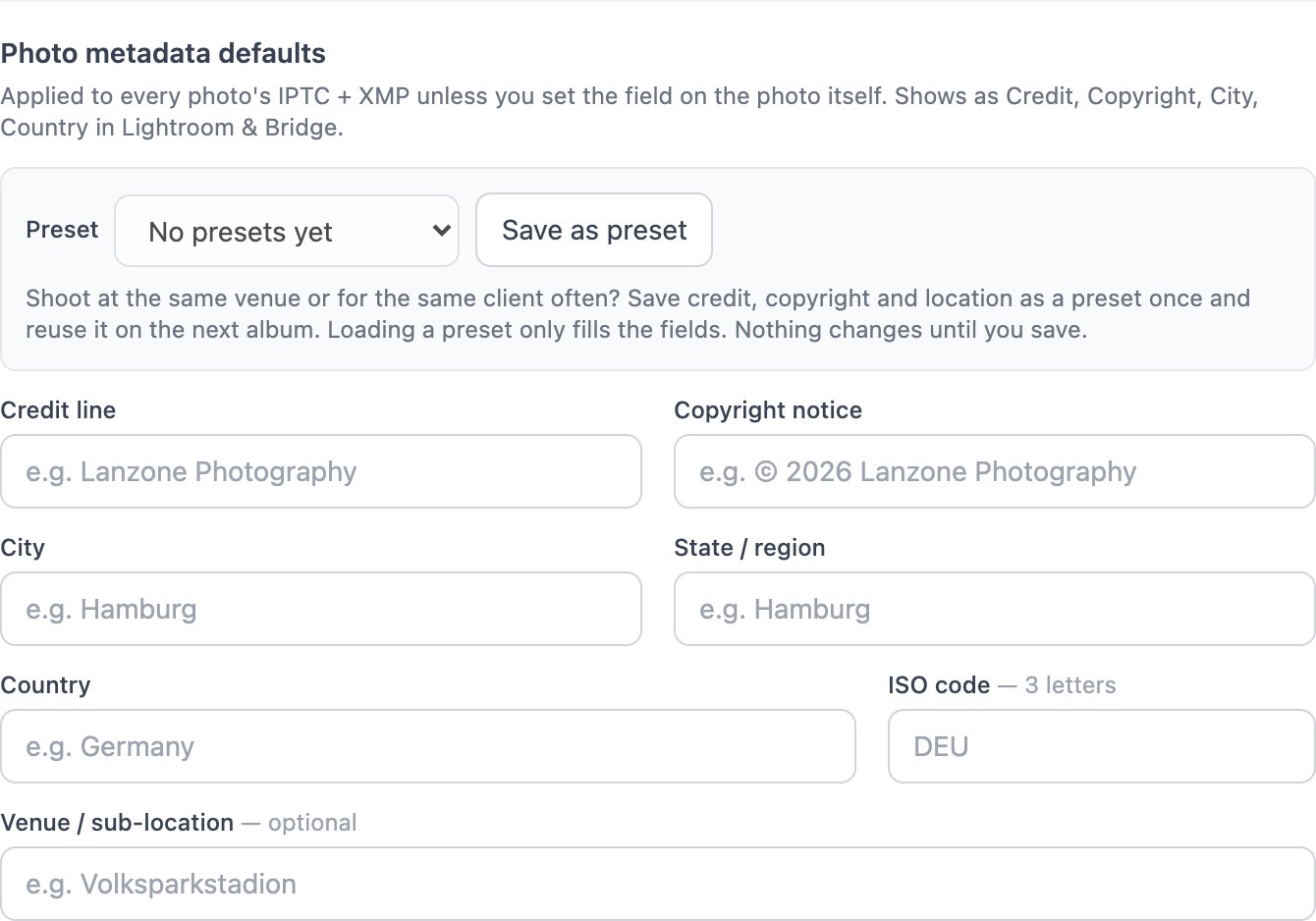
Save credit, copyright and location once, and load them into the next album
The album form now has presets for its photo metadata defaults: save the credit line, copyright and location you use often, then fill a new album's fields with one pick.
Read article →
Product updates ·
See who changed, shared, downloaded or deleted what in your workspace
Workspace owners and managers get an Activity list for every event and for the whole workspace: when it happened, who did it, and what they did, in plain sentences.
Read article →
Product updates ·
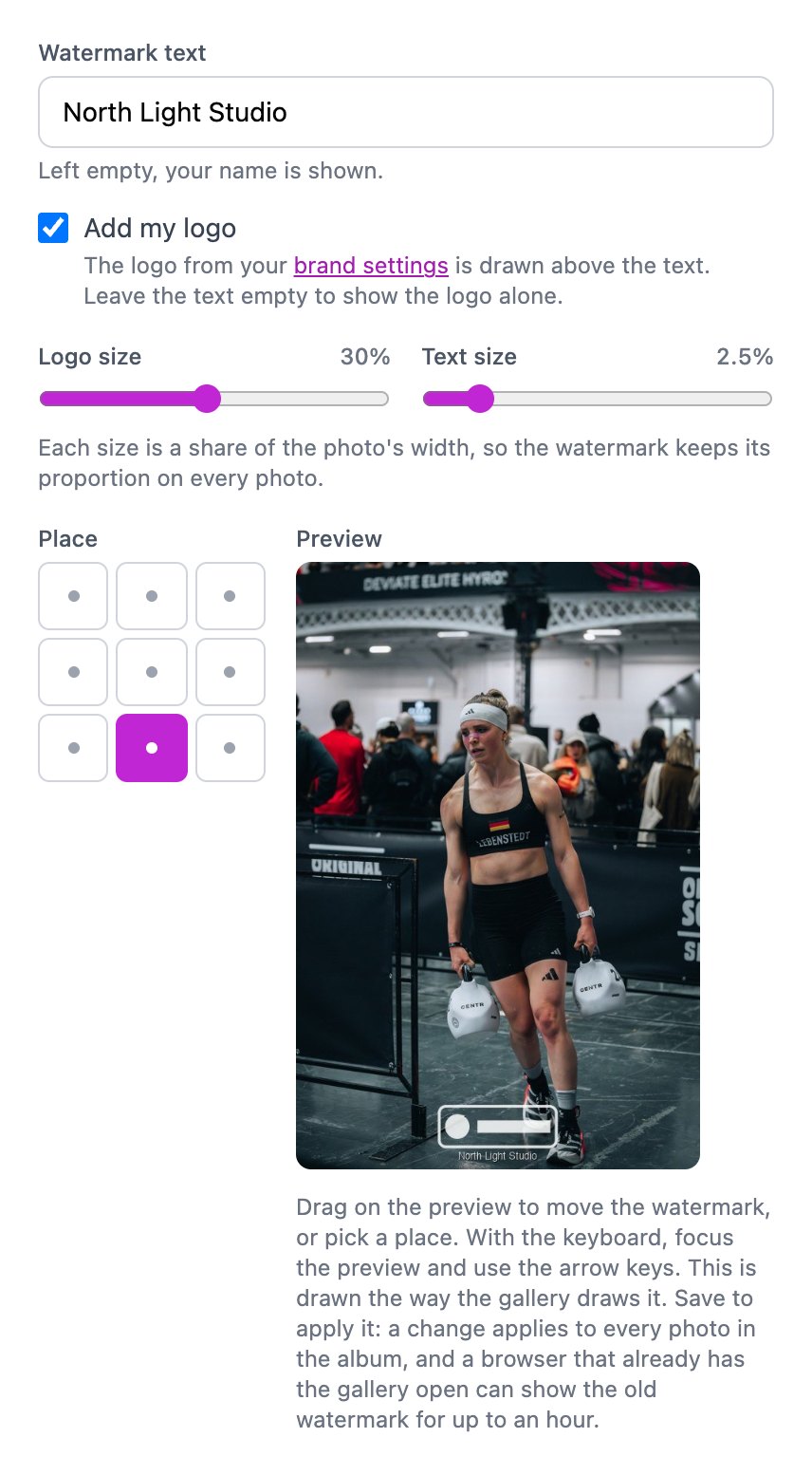
Place your watermark anywhere, and size logo and text apart
Drag the watermark on a real preview or pick one of nine places, bottom centre included, and set the logo and the text to different sizes.
Read article →
Product updates ·
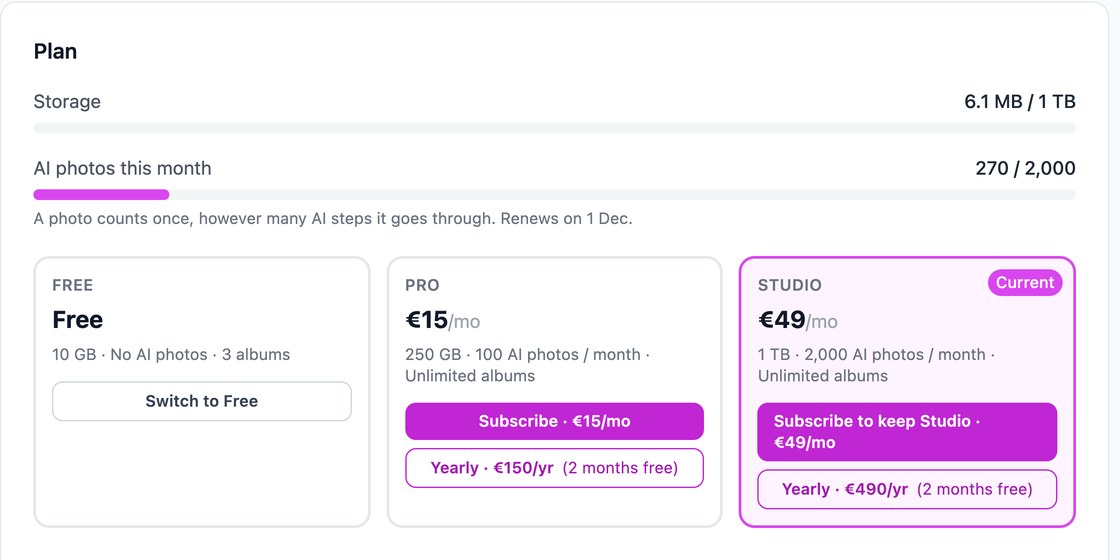
Yearly billing, AI photo packs and plan changes
Pay yearly and get two months free, top up AI photos for a busy month, and change plan from your billing settings.
Read article →
Product updates ·
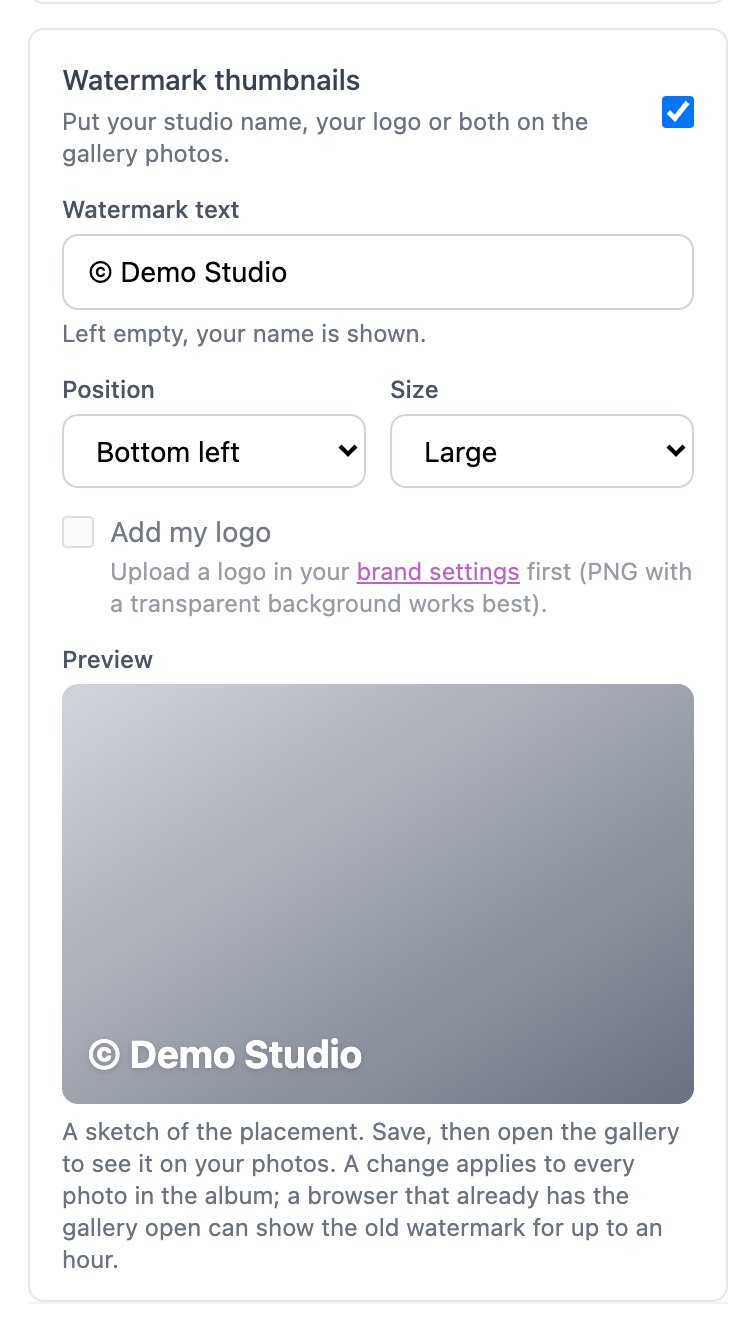
Your logo in the watermark, and where it sits
Add your logo to the watermark, choose one of five positions and three sizes, and see it on every photo in the album at once.
Read article →
Product updates ·
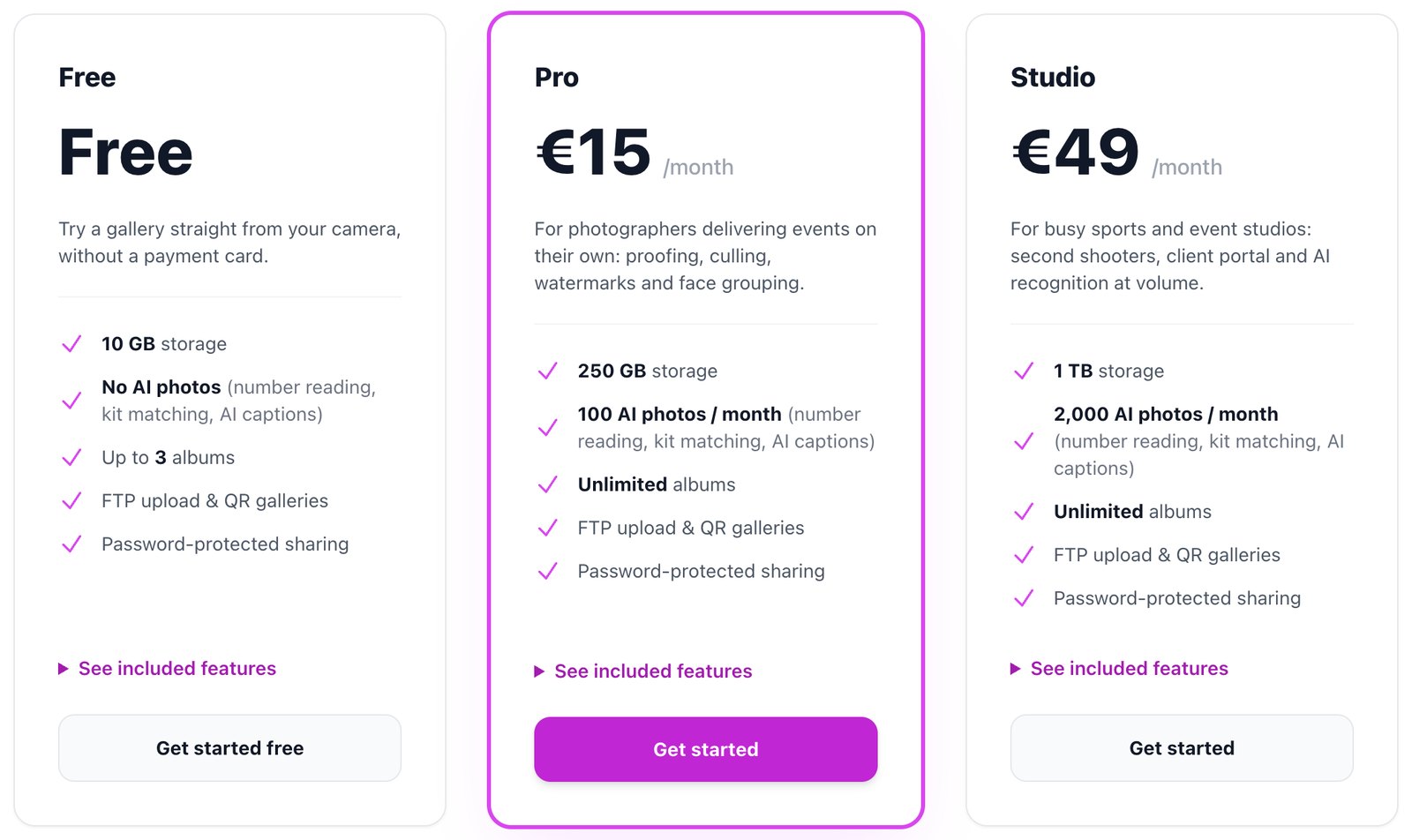
More storage on every plan, and Pro for 15 EUR
Free doubles to 10 GB, Pro goes from 20 GB to 250 GB and costs 15 EUR instead of 19, Studio gets 1 TB.
Read article →
Product updates ·
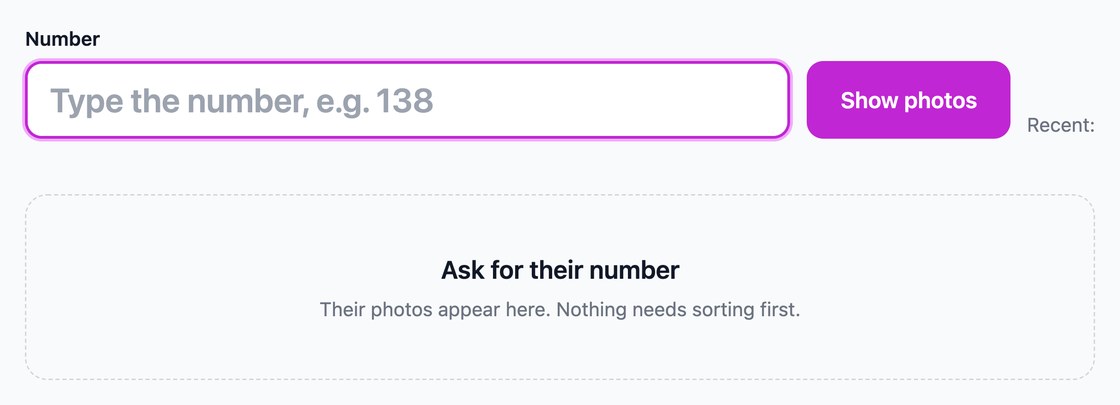
Find an athlete's photos by their number
Type a number at the finish line and get that athlete's photos, check them together and hand them over as one download.
Read article →
Product updates ·
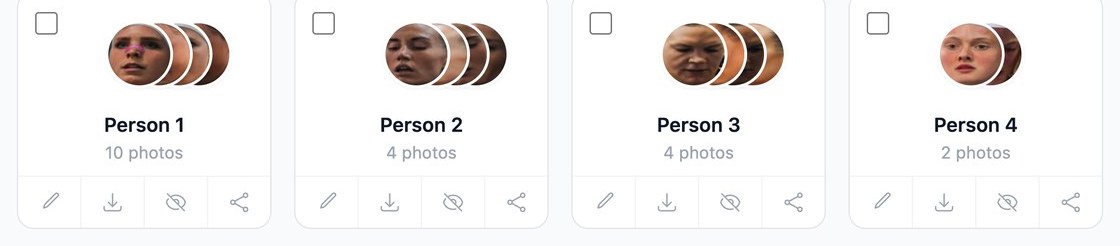
Link people to their numbers
Connect a face to a bib, car or bike number, so a photo counts for an athlete when either one is visible.
Read article →
Product updates ·
Large downloads are prepared for you and can be resumed
A whole album is built as one file in the background, with real progress, no size limit and a link that can be continued.
Read article →
Product updates ·
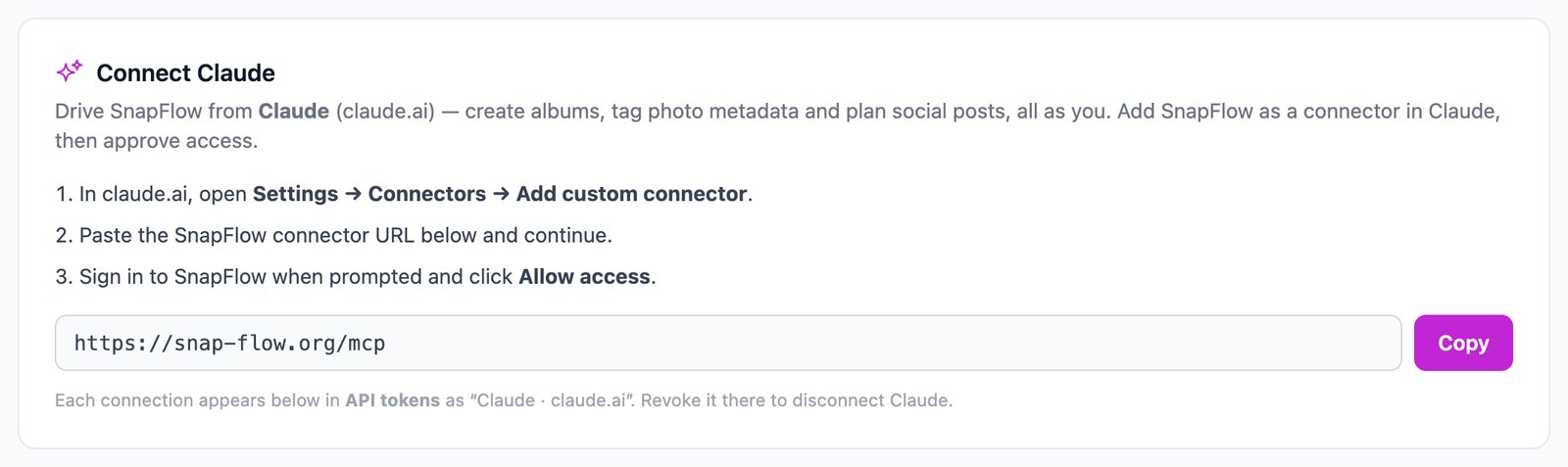
Connect SnapFlow to Claude
Create albums, caption photos and prepare posts by describing what you want in a sentence.
Read article →