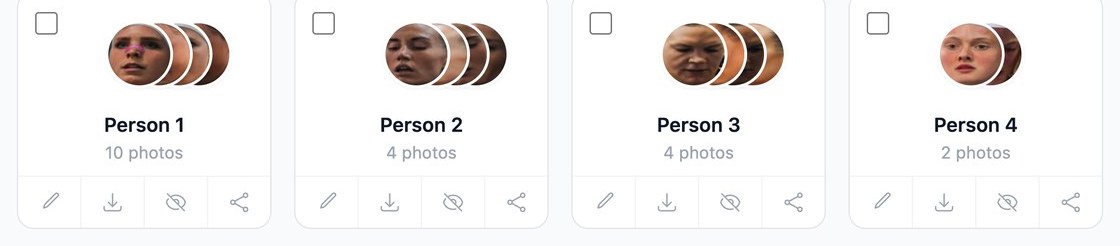
A sports album has two ways of knowing who is in a photo: the face, and the number on the bib, the car or the bike plate. Until now they lived side by side. Since 27 September 2026 you can connect them.
What it does
On an album's People page, choose "Link people to numbers". SnapFlow looks at the photos where a face and a number appear together and suggests which group of faces belongs to which number.
Nothing is linked on its own. You see every suggestion with its photos, tick the ones that are right and confirm. A link can be undone.
Why it helps
Once a person is linked to a number, a photo counts for them when either one is visible: the face without the number, or the number with the face turned away. An athlete's gallery fills up from both.
When SnapFlow holds back
A suggestion is only made when a face and a number appear together in several photos and clearly more often than any other pairing. People who often stand next to an athlete, such as a groom beside a rider, are left for you to decide.
Linking needs people detection and number reading switched on for the album.