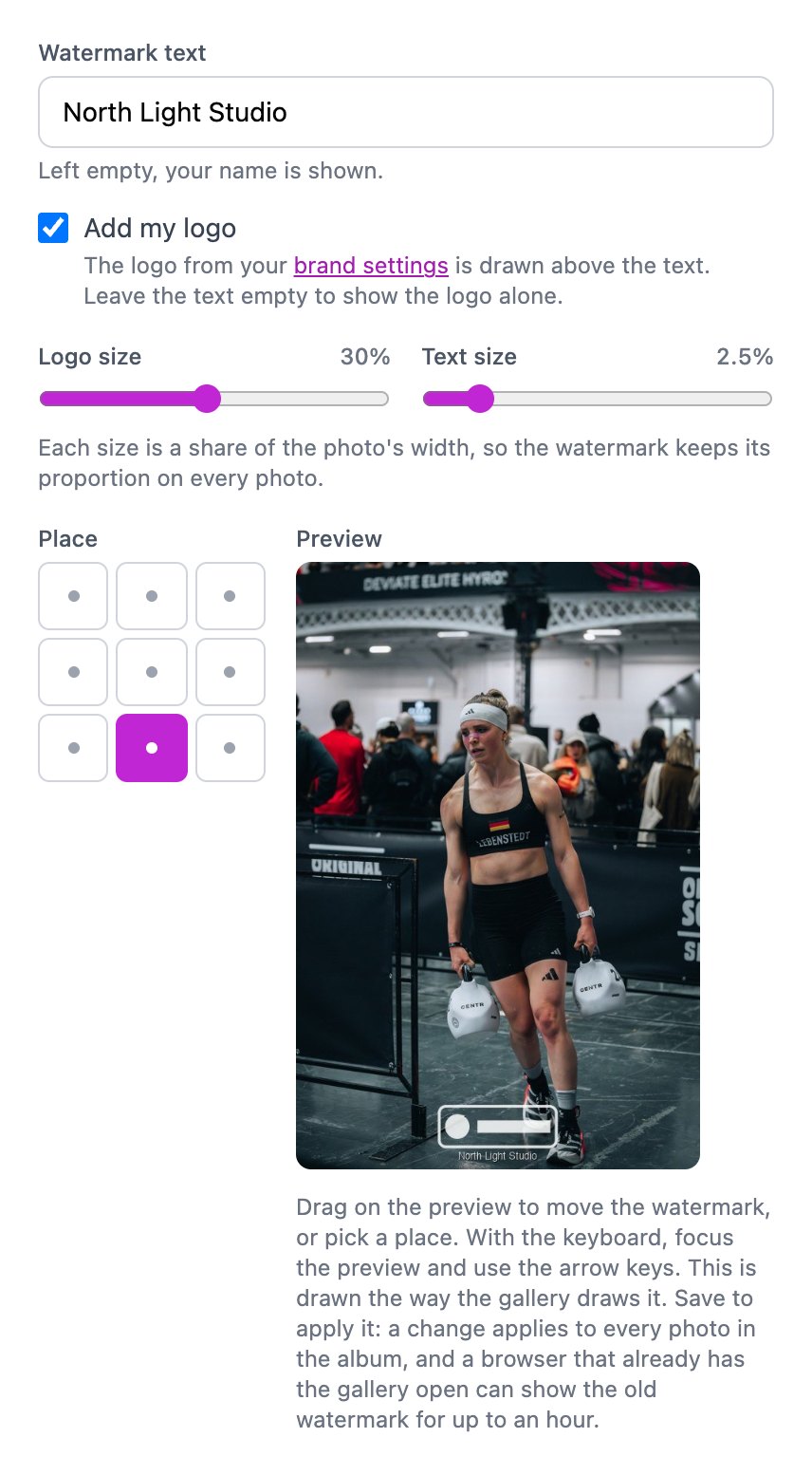
On 15 November the watermark got five positions and three sizes. A day later the photographer who had asked for them wrote back: bottom centre was missing, and the logo should be larger than the text. Since 16 November 2026 you place the watermark anywhere on the photo and set two sizes.
Put it where you want it
Open an album, go to its settings and switch on "Watermark thumbnails". Next to the preview there are now nine places to pick from, bottom centre among them.
- Pick a place: click one of the nine buttons.
- Or drag: drag on the preview and the watermark follows. With the keyboard, focus the preview and use the arrow keys.
Wherever you put it, the watermark stays inside the photo with a small margin.
One size for the logo, one for the text
Two sliders replace Small, Medium and Large:
- Logo size: from small to more than half the photo's width.
- Text size: on its own slider, so the logo can be large while the text stays small, or the other way round.
Each size is a share of the photo's width, so the watermark keeps its proportion on a landscape and on a portrait photo.
The preview is the real thing
The preview is no longer a sketch. It is drawn the same way the gallery draws the watermark, on a photo from the album you are editing, with your own logo. What you see there is what your guests get.
What stays the same
An album you do not touch keeps the watermark it has. A change still reaches every photo in the album at once, and a browser that already has the gallery open can show the previous watermark for up to an hour. The watermark is on the photos guests browse in the gallery. Downloads are not watermarked.
Watermarking is part of the Pro plan and above.